How to Perform Your Own PC Health Check we would like to teach you how to perform your own PC Health Check. Performing this one little piece of PC maintenance can keep your machine running better, for longer. Let’s dive straight in and find out how you get started checking your PC for issues.
Performing a PC Health Check No matter how sluggish your Windows 10 Laptop might be; running different reports allows you to see if there is anything wrong with your system. Health reports are designed to flag up any issues with your PC that affect things like speed and performance. If your computer is running slowly then try the following things.
Windows Defender The first of these programs to find and run should be Windows Defender Security Centre. If you search your PC or laptop for this program, open and run it – you should be able to retrieve a device health check that can give you vital information on the health of your system.
Windows Performance Monitoring Station The second favoured method of checking your PC’s health involves running the Performance Monitoring Program. This will give you a full diagnostic report on the performance of your PC. Once you have access to this menu, type in the word ‘perfmon’ exactly as is. The window that opens next will give you access to a range of performance monitoring tools that you can peruse at your leisure.
Boost Your PC’s Performance and Speed We can help you with all sorts of solutions to your PC problems. Where a health check might tell you what’s wrong – we go out of our way to help you fix those issues and hopefully save you the costs of a new device. Whether you are using windows ten or an older model, we can help.
And much more.
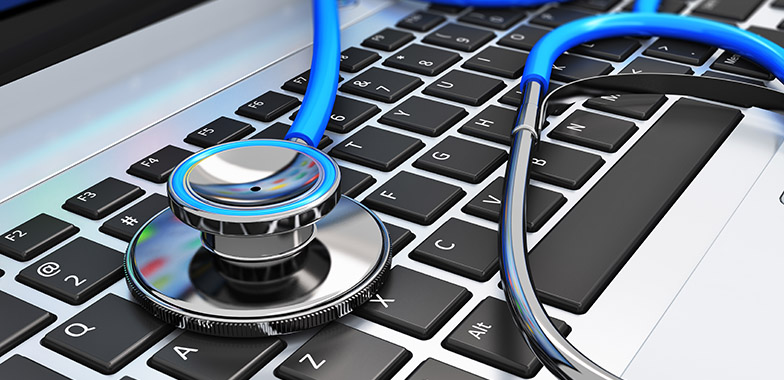
Give your PC a Health Check with these Maintenance Tips!
Our tailored Computer Health Check services cover:
Freeing up of disk space and the removal of unnecessary programs for better storage – and faster performance
Optimisation of the windows registry files responsible for the smooth running of your PC or laptop.
Full clean ups of all the things that slow your system down, including desktop icons, windows event logs, web cache and cookies, temporary files, and defragmentation of the hard drive
Adapt the application to work intelligently with your business
Malware and spyware scanning, as well as start-up optimisation to speed the power process and get you working sooner
These are all things that anyone but a computer technician would struggle to do on their own.